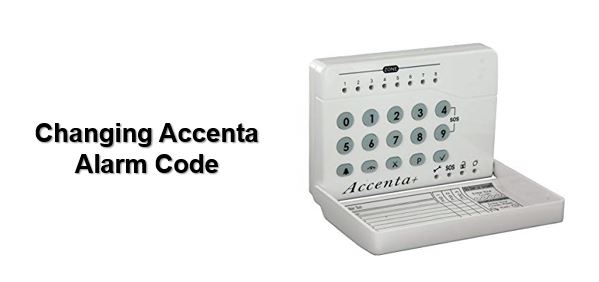
To change the user code on your Accenta alarm, press P followed by your user code. Then press the up arrove until the screen shows 'set up user cod
To change the user code on your Accenta alarm, press P followed by your user code. Then press the up arrove until the screen shows ‘set up user codes’ (option 8). Then press ‘Tick’.
The screen will now show ‘user 1’. Press ‘Tick’ and enter new 4 digit code. The code will automatically save. Press ‘X’ twice to exit the menu.
Still, need help?
If you still need help with your alarm, then get in contact with our team to see if we can help you >>

Or if you know you need an engineer then book an ‘on-site visit’ where one of our trained engineers comes out to your site to fix your problem. Book an engineer visit here or email us at help@smartsecurity.support